Check car tax status online UK — the DVLA provides free online tools to verify any vehicle's tax status, MOT details and registration information. Here is how to use them in 2026.
Check Vehicle Tax Status at GOV.UK
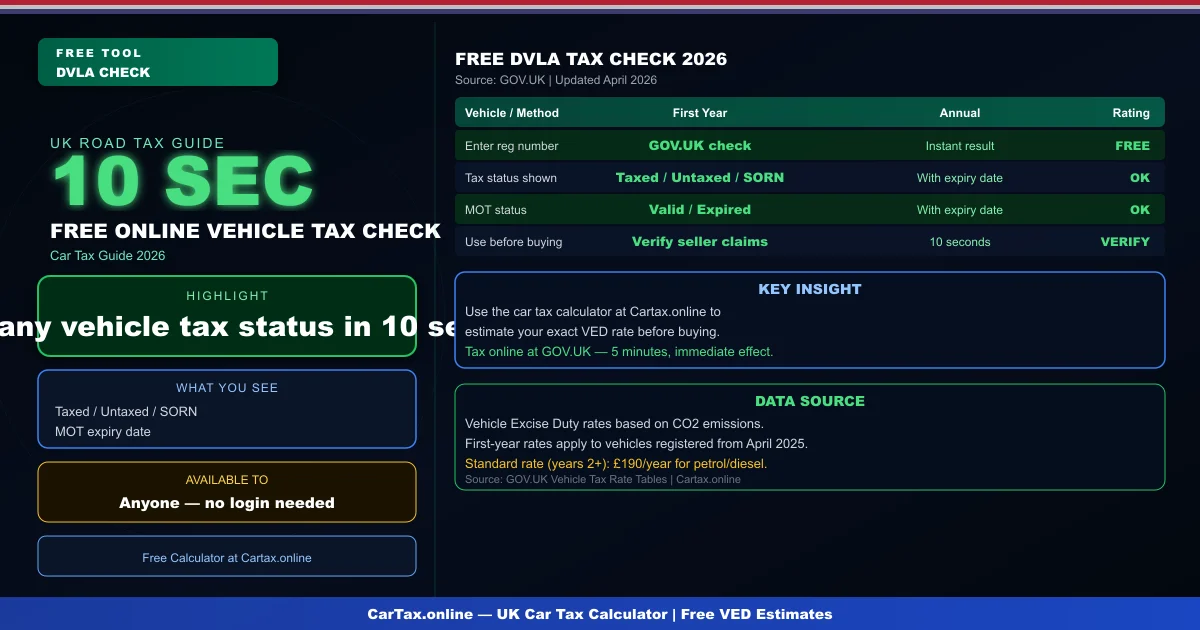
Visit GOV.UK check vehicle tax and enter the vehicle registration number. Within seconds you will see whether the vehicle is taxed, has a SORN, or has no record. The MOT status and expiry date are also shown.
What the Free Check Shows
- Tax status: Taxed, Not taxed, or SORN declared
- Tax expiry date: When the current road tax period ends
- MOT status: Valid, expired, or no record
- MOT expiry date: When the MOT certificate expires
Check Car Tax Status Online: Who Can Use It?
The free DVLA check tool is available to anyone — you do not need to be the vehicle keeper to check its status. This is useful when buying a used car, verifying a seller's claims, or checking a vehicle before purchase. The tool gives publicly available information only.
Using Our Car Tax Calculator Alongside DVLA Checks
Once you have confirmed a vehicle is taxed and the MOT is valid, use our car tax calculator to estimate the annual VED cost for the vehicle's CO2 band. This helps you budget for the first renewal. Related: Check Your Car Tax Status Online — Free DVLA Guide | Check Car Tax Status Online UK 2026 | Check Car Tax Status UK — DVLA Official Method | Is Your Car Taxed? Check UK Guide — Free DVLA Tool.
Conclusion
Check car tax status online UK is free at GOV.UK. Takes 10 seconds. Always verify before buying a used car.
Vehicles registered in the UK are subject to Vehicle Excise Duty (VED), commonly known as road tax. The DVLA administers all vehicle taxation and registration. Rates are determined by the vehicle's CO2 emissions and list price at the time of first registration. Standard rates and first-year rates are reviewed annually, typically in April with the new financial year.
Frequently Asked Questions
Q: How much is car tax (VED) in the UK 2026?
Car tax rates in the UK depend on your vehicle's CO2 emissions and list price. Standard rates start from £190 per year for petrol and diesel cars, with zero-rated VED for EVs. First-year rates vary from £0 to £2,605 depending on emissions. Additional premiums apply for vehicles over £40,000.
Q: How do I check if my car is taxed online?
You can check your vehicle's tax status for free on the Gov.uk website at gov.uk/check-vehicle-tax. You'll need your vehicle's registration number (number plate). You can also check via the Motor Insurance Database to verify road tax and insurance status simultaneously.
Q: Can I get a refund on car tax if I sell my vehicle?
Yes — if you sell or scrap your vehicle, you can claim a refund on any full months of remaining road tax. Contact DVLA with the V11 reminder letter or apply online at gov.uk. Refunds are usually processed within 4-6 weeks.
Q: Is road tax refund available when transferring ownership?
No — road tax does not transfer with the vehicle. When you sell your car, the tax is automatically cancelled and any remaining months are refunded to you by DVLA. The new owner must tax the vehicle immediately. As a buyer, always verify the vehicle's tax status before purchasing.
Q: What is the luxury car tax threshold in the UK 2026?
The additional rate for vehicles over £40,000 (list price) adds £410 per year to standard VED rates for years 2-6 of registration. This surcharge brings the annual cost for high-emission vehicles over £40,000 to around £600-690 per year. Pure EVs under £40,000 pay zero VED.